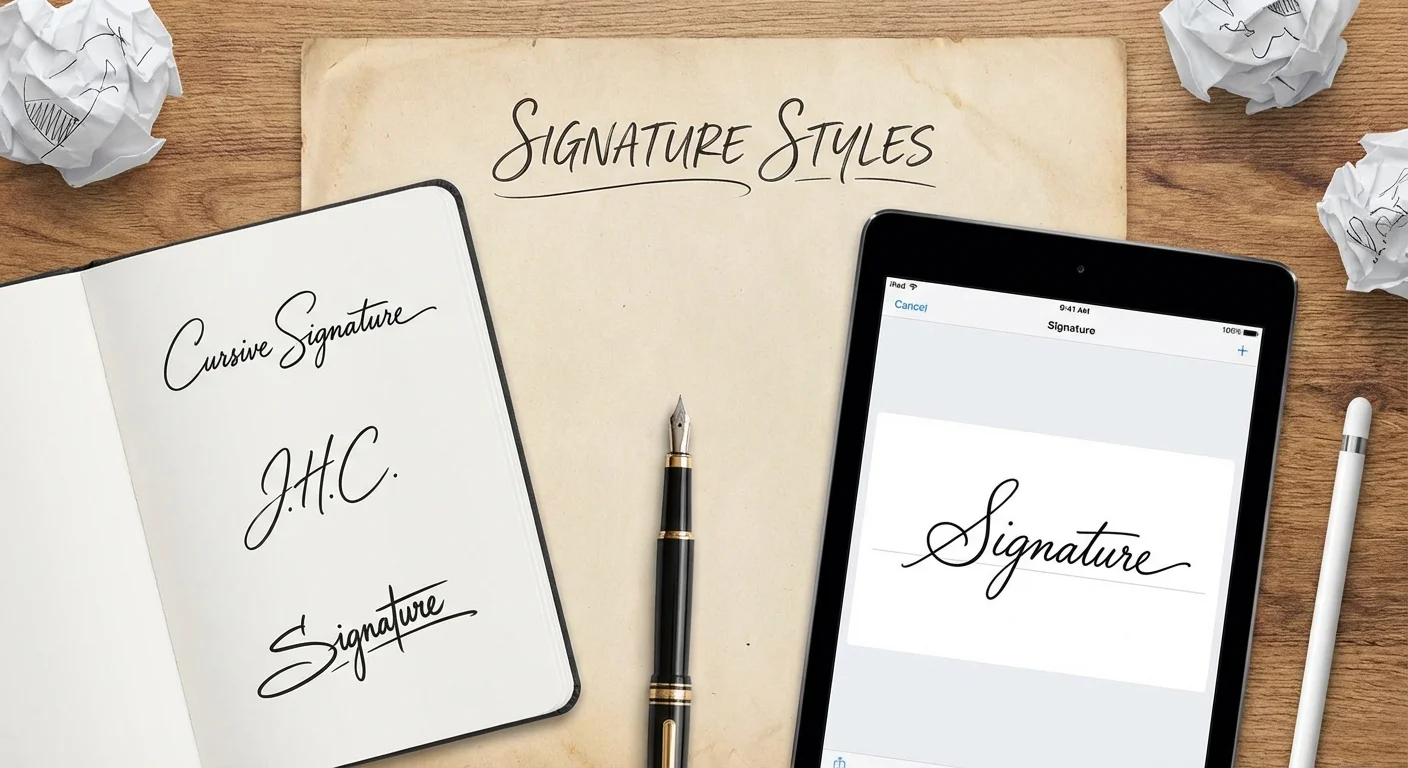
Your signature is the one piece of design you will use more than any logo, business card, or social media avatar. Yet most people spend zero minutes thinking about it. They scribble something in 8th grade and use that same mess for the next 40 years.
If you have ever Googled "signature ideas for my name," you are already ahead. A well-designed signature communicates confidence, professionalism, and attention to detail before anyone reads a single word of your document.
This guide breaks down 7 proven signature styles, explains when to use each one, and shows you how to generate your own custom signature in seconds using Signature Sketch.
Why Your Signature Design Actually Matters
Your signature appears on contracts, emails, letters, invoices, and official documents. It is often the last thing someone sees before making a decision about you. A sloppy signature suggests carelessness. A polished one suggests someone who has their life together.
Beyond perception, a consistent signature is also a security feature. Banks, notaries, and legal professionals compare signatures to verify identity. If your signature changes every time you sign, it raises red flags.
The 3 rules of a great signature
- Reproducible: You should be able to sign it the same way every time, even when rushed.
- Distinctive: It should have at least one unique element that is hard to forge.
- Efficient: If it takes more than 3 seconds to write, it is too complex for daily use.
7 Signature Styles for Your Name
Below are the most common and effective signature styles. Each one works for different personalities and use cases. We will use the example name "Sarah Mitchell" to demonstrate.
Style 1: Full Name Cursive
The classic. Write your full first and last name in connected, flowing script. This is the most traditional and universally accepted style.
- Looks like: Sarah Mitchell in elegant connected handwriting
- Best for: Legal documents, formal contracts, government forms
- Personality: Traditional, trustworthy, detail-oriented
To create this style digitally, open Signature Sketch, switch to Type mode, enter your full name, and choose an elegant script font. For the most realistic result, try the cursive signature generator with different font options.
Style 2: First Initial + Last Name
Use a large, stylized first initial followed by your full last name. This is the most popular style among professionals because it balances speed with legibility.
- Looks like: S. Mitchell with an oversized decorative "S"
- Best for: Business correspondence, email signatures, everyday documents
- Personality: Confident, efficient, modern
The key is making the first letter 2-3x larger than the rest. This creates a visual anchor that makes the signature instantly recognizable.
Style 3: Initials Only
Just your initials, often intertwined or stacked. Think of it as a personal monogram. This is the fastest signature to write and the hardest to forge because of its simplicity.
- Looks like: SM with the letters overlapping or connected
- Best for: Approvals, internal memos, casual documents, artists
- Personality: Minimalist, decisive, creative
Style 4: Underline Flourish
Any of the above styles, but with a sweeping underline that extends from the last letter. The underline adds a sense of finality and authority. Many CEOs and executives use this style.
- Looks like: Your name with a confident horizontal stroke underneath
- Best for: Executive correspondence, contracts, formal letters
- Personality: Authoritative, polished, commanding
Pro tip: the underline should start from the last downstroke of your name and extend slightly beyond the first letter. This creates a visual "frame" around your signature.
Style 5: Encircled Monogram
Your initials placed inside a circle or oval. This works exceptionally well as a stamp-style signature for digital documents, watermarks, or branding.
- Looks like: Initials centered inside a hand-drawn circle
- Best for: Artists, photographers, designers, personal branding
- Personality: Creative, brand-conscious, artistic
Style 6: Minimalist Print
Your name written in clean, disconnected print letters rather than cursive. This is gaining popularity among younger professionals who never learned cursive writing.
- Looks like: S Mitchell in neat, slightly stylized print
- Best for: Tech industry, startups, casual business environments
- Personality: Modern, straightforward, no-nonsense
The trick to making print signatures look intentional (not lazy) is consistency. Keep the letter height uniform and add one distinctive element, like a slightly extended crossbar on the "t" or a unique way you write your first letter.
Style 7: Artistic Slash
A highly stylized version where only the first 2-3 letters are recognizable, and the rest dissolves into an expressive line or slash. This is the "doctor's signature" done right.
- Looks like: Sa—— with a confident trailing stroke
- Best for: High-volume signing, creative fields, personal flair
- Personality: Bold, artistic, time-efficient
Which Style Should You Choose?
| Style | Speed | Formality | Best Use Case |
|---|---|---|---|
| Full Cursive | ⭐⭐ | ⭐⭐⭐⭐⭐ | Legal, government |
| Initial + Last Name | ⭐⭐⭐⭐ | ⭐⭐⭐⭐ | Business, everyday |
| Initials Only | ⭐⭐⭐⭐⭐ | ⭐⭐⭐ | Approvals, memos |
| Underline Flourish | ⭐⭐⭐ | ⭐⭐⭐⭐⭐ | Executive, contracts |
| Encircled Monogram | ⭐⭐ | ⭐⭐⭐ | Branding, creative |
| Minimalist Print | ⭐⭐⭐⭐ | ⭐⭐⭐ | Tech, startups |
| Artistic Slash | ⭐⭐⭐⭐⭐ | ⭐⭐ | High-volume, creative |
5 Design Principles for a Better Signature
1. Start With Your Strongest Letter
Look at the letters in your name. Which one has the most visual potential? Letters like S, J, M, R, and K have natural curves and angles that look great when exaggerated. Make that letter the star of your signature.
2. Connect, Do Not Lift
The fewer times your pen leaves the paper, the more fluid your signature looks. Practice writing your name in one continuous stroke. It does not matter if some letters become abstract — that is what gives signatures their character.
3. Add One Distinctive Element
Pick one thing that makes your signature yours: an extended crossbar, a looped descender, an underline, or an oversized first letter. One element is memorable. Five elements is a mess.
4. Practice the Same Size
Your signature should fit comfortably in a standard signature line (about 5cm wide). If it is too large, it looks childish. Too small, and it looks timid. Consistency in size is just as important as consistency in shape.
5. Choose Your Ink Color Wisely
Blue ink is the gold standard for signed documents because it immediately distinguishes an original from a photocopy. Black works for everything else. Avoid novelty colors for professional use. Read more in our blue ink signature guide.
How to Generate a Signature From Your Name
If you want to skip the practice sessions and get a polished signature right now, here is how:
Method 1: Type It (Fastest)
- Open Signature Sketch
- Click the Type tab
- Enter your name (full name, initials, or any variation)
- Browse the handwriting font styles — each one corresponds to a different signature personality
- Adjust the color (we recommend blue for contracts)
- Click Download to get a transparent PNG
Method 2: Draw It (Most Authentic)
- Open Signature Sketch
- Stay on the Draw tab
- Use your mouse, trackpad, or touchscreen to sign your name
- The tool captures pressure variation for realistic thick-thin strokes
- Not happy? Hit clear and try again. No limits.
- Download your signature as a transparent PNG
Where to use your signature
Once you have your transparent PNG, you can insert it into Microsoft Word, Google Docs, PDFs, email clients, and any other document. The transparent background means it sits cleanly on any surface without a white box.
Common Signature Mistakes to Avoid
- Too complex: If you cannot reproduce it consistently, simplify it. A signature you cannot replicate is a liability, not an asset.
- Too simple: Just printing your name in block letters is technically valid but offers zero security against forgery.
- Changing it constantly: Banks and institutions compare signatures. Pick a style and commit to it.
- Using white-background images: When inserting a digital signature, always use transparent PNG format. A white box around your signature looks unprofessional.
- Copying someone else's style: Your signature should be uniquely yours. Get inspired by others, but develop your own distinctive elements.
Frequently Asked Questions
How do I create a unique signature for my name?
Start by writing your name in different styles: full cursive, initials only, first initial + last name. Experiment with slant, letter connections, and one distinctive flourish. Use Signature Sketch to test different handwriting fonts instantly and find a style that fits your personality.
What makes a good signature?
A good signature is consistent (you can reproduce it reliably), legible enough to identify you, and has a distinctive element that makes it hard to copy. It should also be quick to write. Overly complex signatures are impractical for daily use.
Can I use a typed signature instead of a handwritten one?
Yes. Under the US ESIGN Act and EU eIDAS regulation, a typed signature created with intent to sign is legally valid for most business documents. Tools like Signature Sketch use AI-powered handwriting fonts that look natural, not like computer text.
How do I make my signature look more professional?
Keep it simple. The most professional signatures use 2-4 recognizable letters with a confident stroke. Avoid excessive loops or decorations. Use blue or black ink, and always download as a transparent PNG so it looks clean on any document.
Can I change my signature?
Yes, you can change your signature at any time. There is no legal requirement to keep the same signature forever. However, you should update it with your bank, employer, and any institutions that have your signature on file. Once you pick a new style, practice it until it becomes second nature.
Design Your Signature Now
Type your name, pick a style, and download a professional signature in seconds. Free, no sign-up, transparent PNG.
Try Signature Sketch