The Ultimate Guide to Creating Digital Signatures Online
Everything you need to know about creating, using, and securing your handwritten signature in the digital age—without a scanner.
Why Do You Need a Digital Signature?
In today's remote-first world, printing, signing, and scanning documents is a relic of the past. A digital handwritten signature allows you to sign contracts, agreements, and letters instantly from your computer or phone.
Using a tool like Signature Sketch ensures that your signature looks professional and authentic, without the jagged lines often caused by scanning low-quality paper.
Key Benefits
Sign documents in seconds, not minutes. No printer required.
Transparent backgrounds look cleaner on PDFs and contracts.
Save money on paper, expensive ink cartridges, and postage.
Go fully paperless and significantly reduce your carbon footprint.
How to Create a Perfect Signature
Creating a digital signature that looks like your real one can be tricky with a mouse. Here are some tips to get the best result using our free generator:
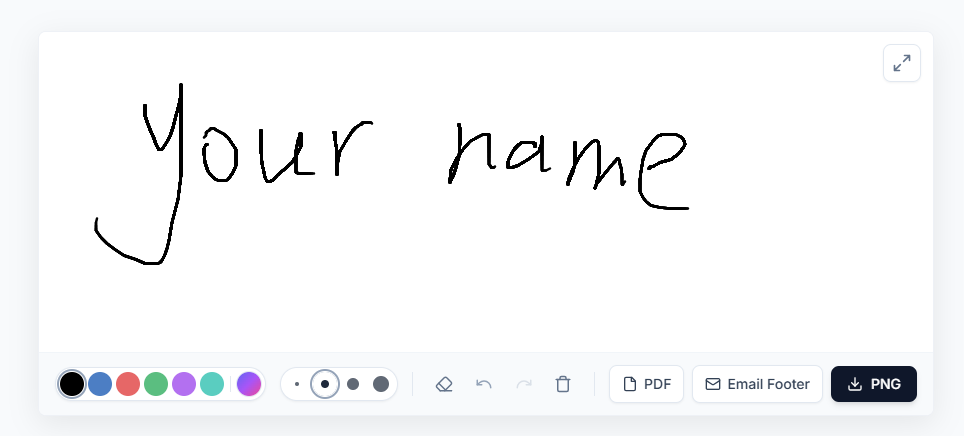
- Use a Touchscreen if Possible: While mice work, using your finger on a smartphone or tablet (iPad) yields the most natural results.
- Adjust the Width: A real pen has varying thickness. Use the "Width" slider to match your preferred pen style (e.g., ballpoint vs. marker).
-
Choose the Right Color:
- Black: Best for formal contracts and government forms.
- Blue: Used to distinguish an original from a photocopy.
- Red: Typically reserved for grading or internal approvals.
Where Can You Use These Signatures?
Once you download your transparent PNG from Signature Sketch, you can use it in almost any digital document software:
Adobe Acrobat (PDF)
Open your PDF, click "Fill & Sign," and choose "Add Signature." Upload the PNG file here. It will float perfectly over the signature line.
Microsoft Word
Go to Insert > Pictures > This Device. Select your signature. Right-click the image and select "Wrap Text" > "In Front of Text" to move it freely.
Email Signatures
Use our specific "Email Footer" tool to generate an HTML signature block that includes your photo, contact info, and handwritten signature.
Start Signing Today
Ready to modernize your workflow? Scroll up to the navigation bar and click on Signature Sketch to start drawing your signature now. It's free, secure, and requires no account.